Global trust
2000 + teams, countless dashboards, one platform






Global trust

Watch this quick walkthrough to see how easy it is to connect your data sources, select your metrics, and launch your first automated spreadsheet.

No data engineering degree required; set up and manage
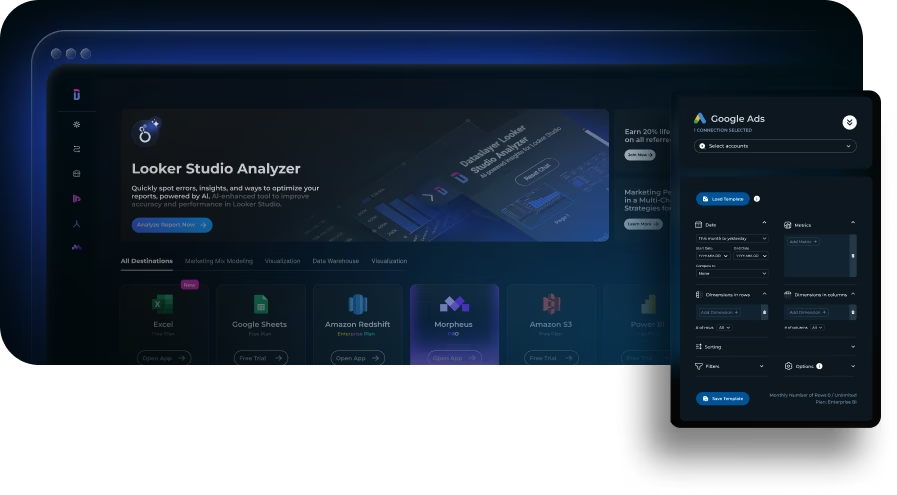
Access data from over 50 marketing platforms without writing a single line of code.
See why industry professionals consistently rate us as a top performer in data management.
Fully compliant with strict international ISO standards to keep your business data safe, secure, and private.

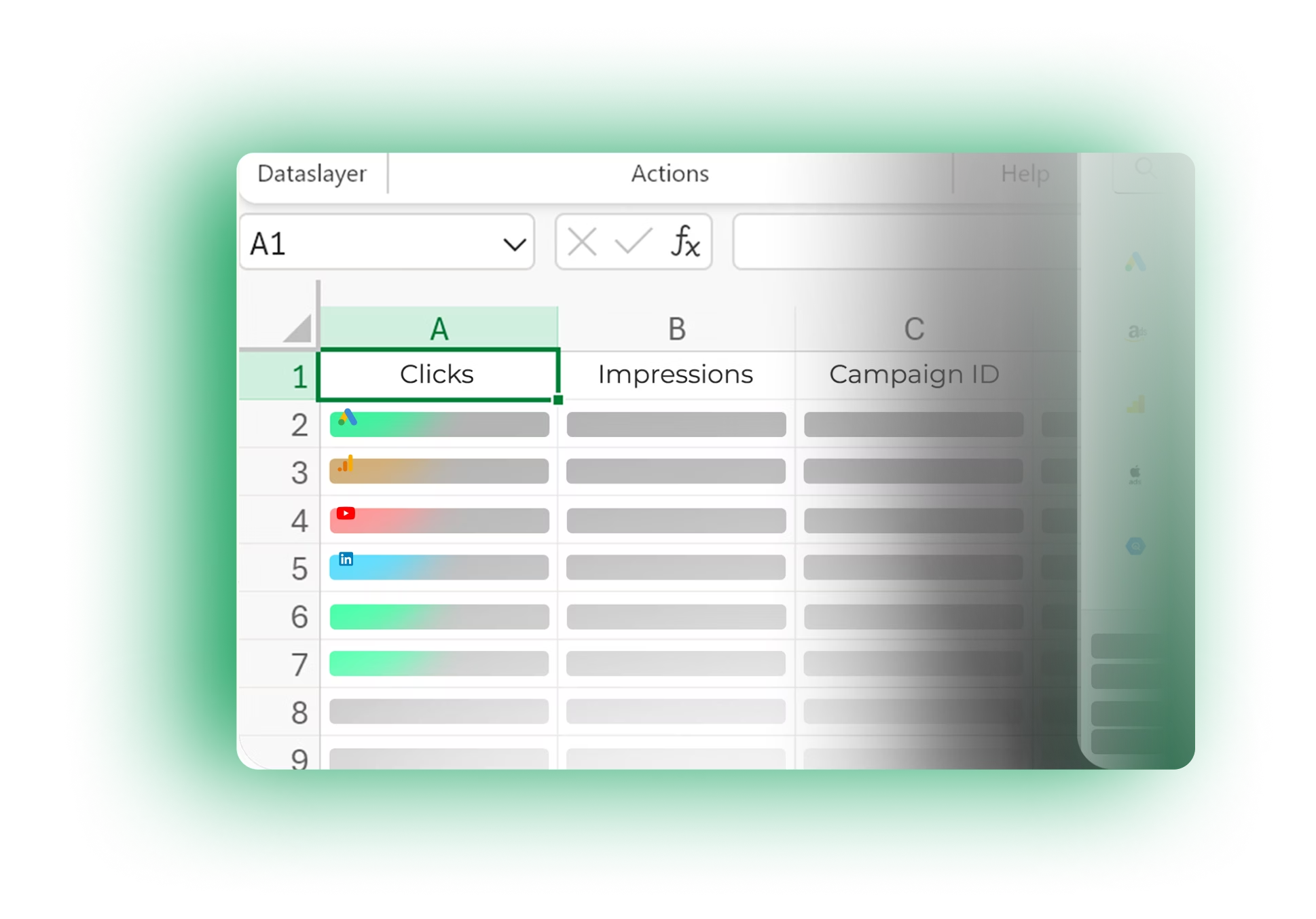
Connect your marketing platforms directly to your spreadsheets. Automate data extraction and schedule daily refreshes in Google Sheets without manual work.





Automate your marketing data pipelines with Dataslayer’s native Google Sheets destination. Eliminate manual maintenance and centralize your multi-channel metrics instantly. From IT teams scaling infrastructure to BI analysts driving ROI, build your single source of truth without the hassle.

Infrastructure & Scalability

Insights & Reporting

Insights & Reporting

The real-time analysis is fundamental for us.
It allows us to obtain valuable business insights in a short period and make effective decisions.he real-time analysis is fundamental for us.
We have obtained evidence of key campaigns and media that have shaped our decisions. The detailed breakdown of each channel has allowed us to identify the most effective campaigns we have run.

Analysts get a better understanding of their accounts and campaigns through Dataslayer’s detailed metrics and dimensions.
For example, now they can discover very specific metrics in Google Ads that they were previously unaware of, as they were only easily accessible through the API.
This deeper insight enhances their work quality and allows for more complex questions and analyses.

Honestly this is an amazing tool that can be used instead of paying a premium for supermetrics.
This tool provides exactly what our agency needs to support reporting. It's as easy as clicking a few buttons, getting some easy tutorials for credentials to seamlessly integrate the connections.
We use this everyday now and are going to continue expanding our use.



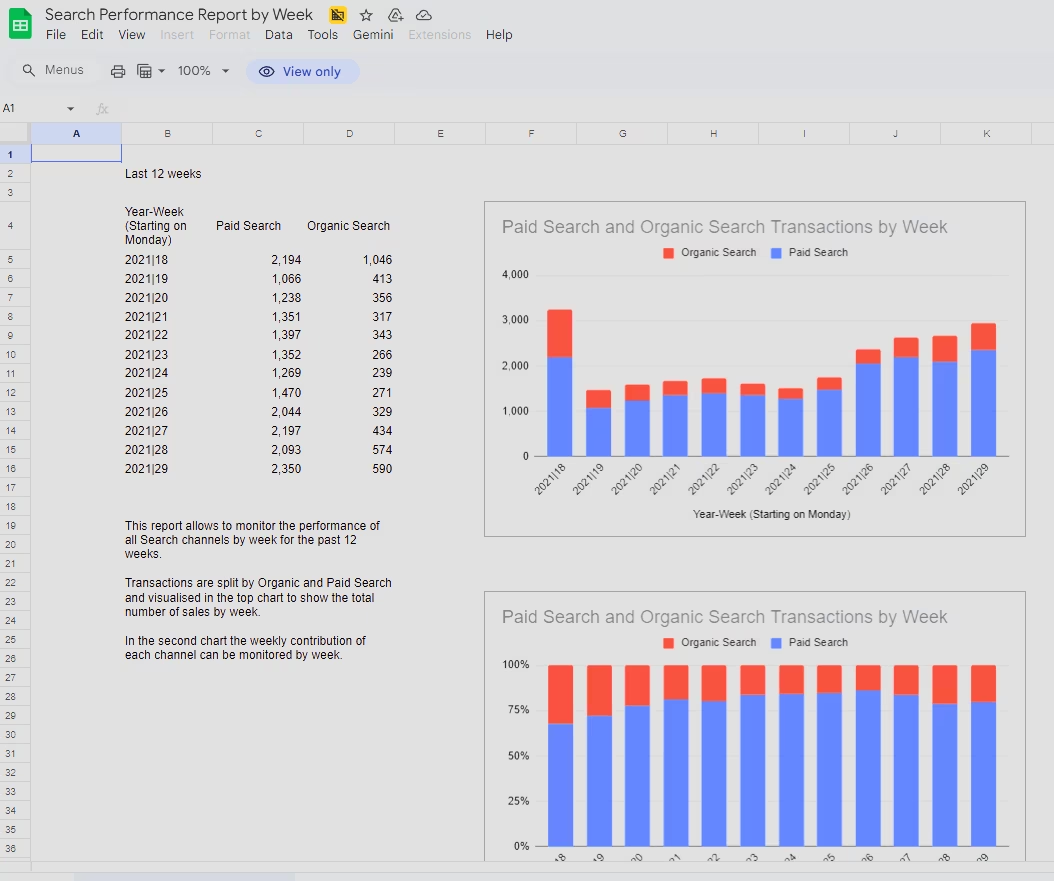
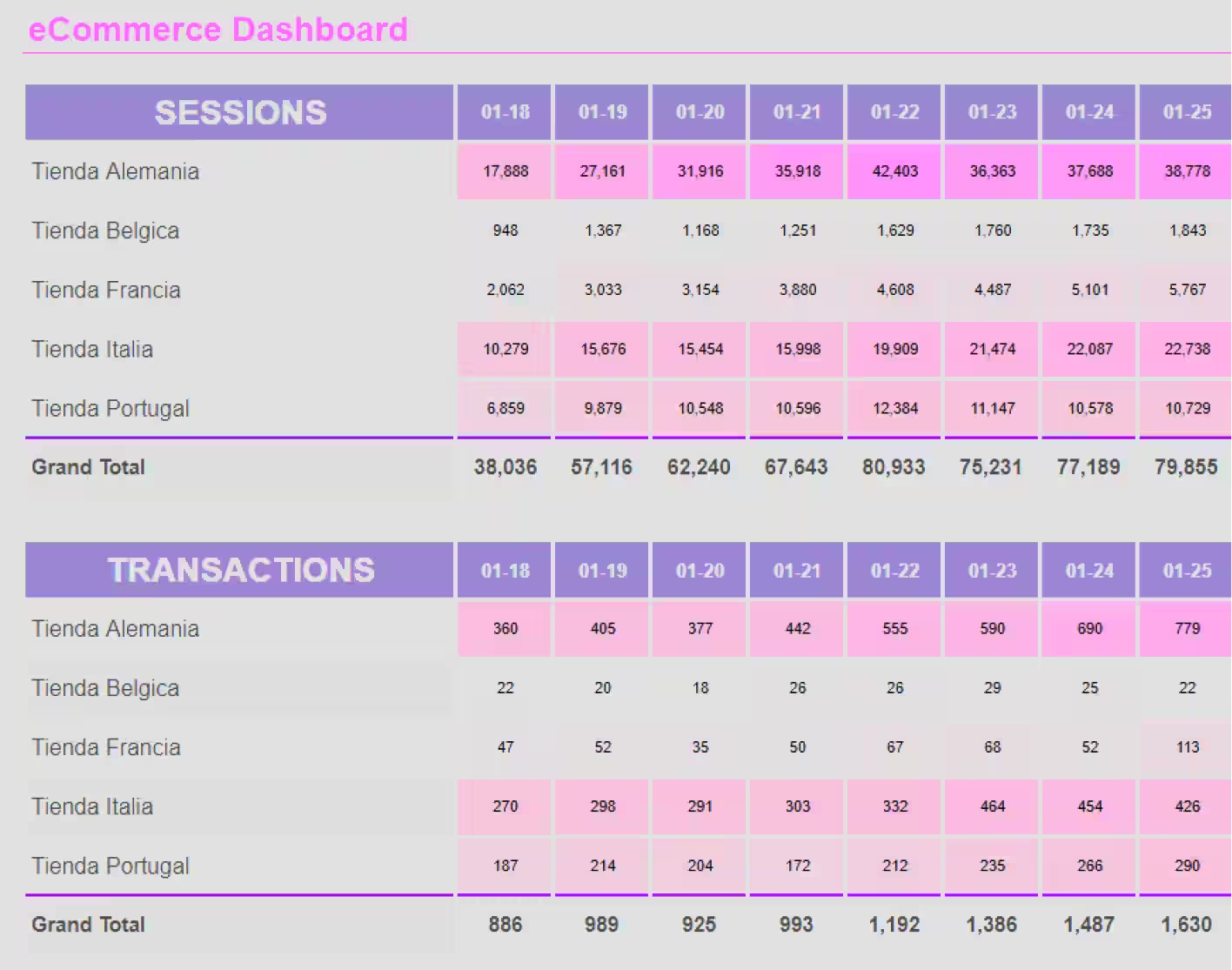
Skip the blank canvas. Browse our library of marketing report templates built for Google Sheets, each one pre-configured with the right metrics, dimensions and visualizations for a specific channel or workflow. Pick a template, connect your accounts, and your data lands in the right cells automatically. No formulas to wire, no dashboards to design from scratch.
Using our templates is very easy. You just have to:
1. Open a new document in Google Sheets
2. Click on "Extensions"
3. Then click on "Dataslayer"
4. When the drop-down opens, click on "Template gallery"
5. Done! The only thing left to do is to select the template you like the most




Using our templates is very easy. You just have to:
1. Open a new document in Google Sheets
2. Click on "Extensions"
3. Then click on "Dataslayer"
4. When the drop-down opens, click on "Template gallery"
5. Done! The only thing left to do is to select the template you like the most

Using our templates is very easy. You just have to:
1. Open a new document in Google Sheets
2. Click on "Extensions"
3. Then click on "Dataslayer"
4. When the drop-down opens, click on "Template gallery"
5. Done! The only thing left to do is to select the template you like the most

Using our templates is very easy. You just have to:
1. Open a new document in Google Sheets
2. Click on "Extensions"
3. Then click on "Dataslayer"
4. When the drop-down opens, click on "Template gallery"
5. Done! The only thing left to do is to select the template you like the most
Using our templates is very easy. You just have to:
1. Open a new document in Google Sheets
2. Click on "Extensions"
3. Then click on "Dataslayer"
4. When the drop-down opens, click on "Template gallery"
5. Done! The only thing left to do is to select the template you like the most
Using our templates is very easy. You just have to:
1. Open a new document in Google Sheets
2. Click on "Extensions"
3. Then click on "Dataslayer"
4. When the drop-down opens, click on "Template gallery"
5. Done! The only thing left to do is to select the template you like the most
Using our templates is very easy. You just have to:
1. Open a new document in Google Sheets
2. Click on "Extensions"
3. Then click on "Dataslayer"
4. When the drop-down opens, click on "Template gallery"
5. Done! The only thing left to do is to select the template you like the most
Using our templates is very easy. You just have to:
1. Open a new document in Google Sheets
2. Click on "Extensions"
3. Then click on "Dataslayer"
4. When the drop-down opens, click on "Template gallery"
5. Done! The only thing left to do is to select the template you like the most